Configure argv.json for Remote WSL
The Open Remote - WSL extension will not activate until it is listed in enable-proposed-api. Without this step, Remote-WSL: Connect to WSL fails with command 'openremotewsl.connect' not found.
Enable Proposed API
Section titled “Enable Proposed API”Ctrl+Shift+P→ Preferences: Configure Runtime Arguments- Add
"enable-proposed-api"to the existing file. Keep all existing keys — add a comma after the previous entry:
        "crash-reporter-id": "10d99e86-1187-4493-b2e3-4ae1dbc4f458",
        "enable-proposed-api": [                "jeanp413.open-remote-wsl"        ]
//comments inargv.jsonare fine (JSONC). The usual error when merging is a missing comma before"enable-proposed-api".
- Save → fully quit and restart Kiro
If Kiro shows “argv.json contains errors”:
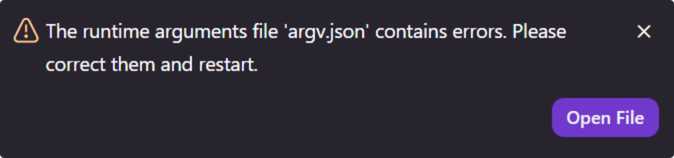
Click Open File. Fix the missing comma or trailing comma → save → restart Kiro.